
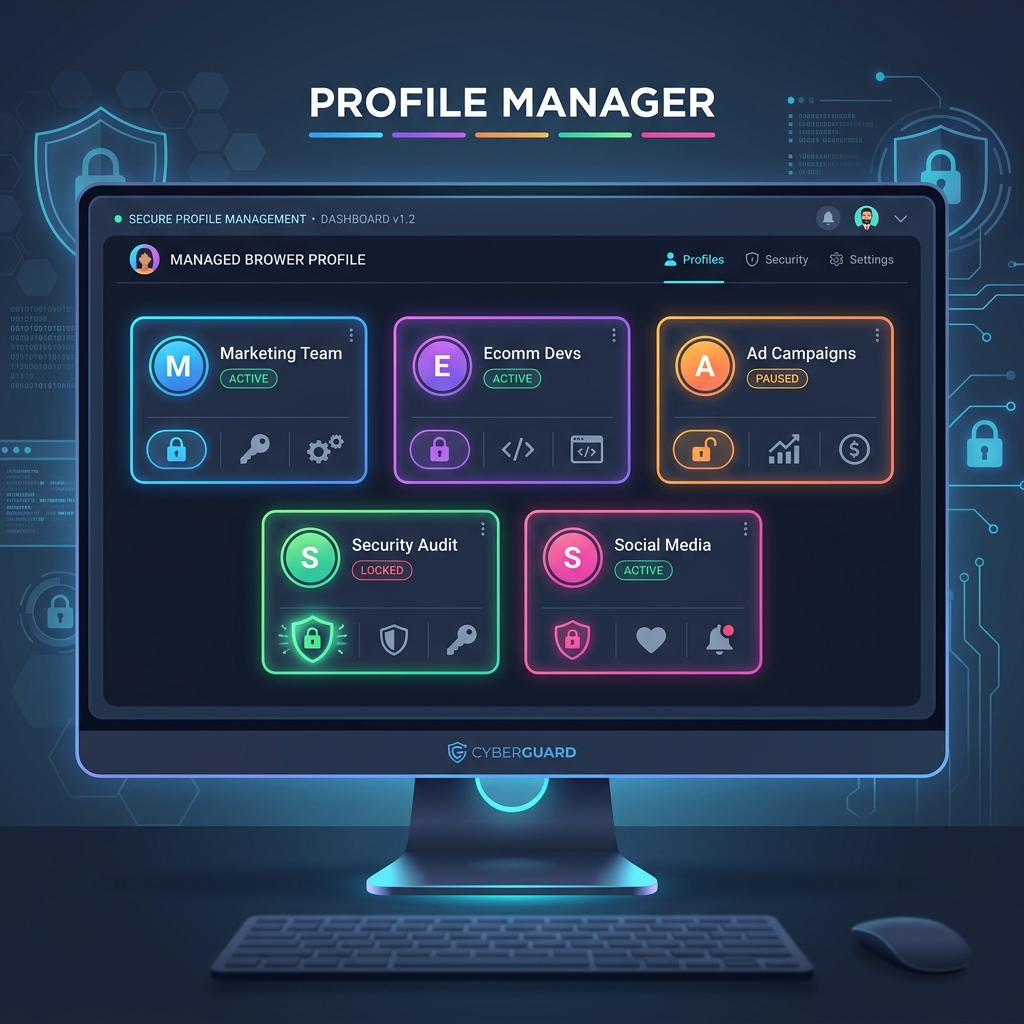
Clearing your cookies or opening Incognito mode no longer stops online tracking. Modern security and fraud engines identify users through sophisticated browser fingerprinting algorithms. To maintain absolute isolation across multiple online accounts, digital marketers and security researchers rely on Antidetect Browsers.
1. The Anatomy of Browser Fingerprinting
When you visit a web application, scripts silently collect dozens of system variables to construct a unique hash identifier for your machine. This technique, known as browser fingerprinting, works across browser restarts and IP changes. Key vectors include:
- Canvas & WebGL Fingerprinting: Websites render hidden HTML5 canvas elements and 3D shapes. Due to subtle differences in your GPU hardware, graphics driver version, and operating system anti-aliasing, the rendered pixel output produces a mathematically unique cryptographic hash.
- Audio Context Hash: Web Audio APIs process sound waveforms. Variations in sound card DAC hardware create unique audio processing signatures.
- Navigator & Hardware Concurrency: Exposes CPU core counts, device RAM capacity, touch points, screen color depth, and installed system fonts.
- WebRTC Internal IPs: Direct STUN/TURN UDP requests that can expose local interfaces and real public IP addresses even behind standard VPN tunnels.
2. How Antidetect Engines Emulate Real Devices
Instead of blocking fingerprint scripts—which immediately flags your browser as suspicious or automated—antidetect browsers inject controlled, realistic noise into browser APIs. Each virtual profile operates as a completely separate physical computer:
🛡️ True Profile Sandbox Isolation
Each browser profile maintains encrypted local storage, IndexedDB, cache trees, and cookie databases stored separately on disk or cloud sync.
🎨 Hardware Emulation & Seed Masking
Instead of randomizing hardware parameters on every page refresh (an instant red flag for anti-fraud systems), profiles maintain consistent, mathematically valid canvas and GPU seeds over months of usage.
3. Pairing Antidetect Profiles with Proxies
An antidetect browser profile is only as secure as its network layer. Binding dedicated static residential or ISP proxies to each browser profile ensures consistency between geolocation parameters and browser system languages:
Profile Security Checklist:
[✓] Proxy IP Timezone == Browser Intrinsic Timezone (e.g., America/New_York)
[✓] Proxy IP Geolocation Country == Navigator Language (en-US)
[✓] WebRTC Mode Altered == Disabled or Proxied through Public Interface
[✓] Canvas Noise Mode == Consistent Seed (Emulating Apple M2 / RTX 4070)
4. Top Multi-Accounting Use Cases
Antidetect browsers empower legitimate enterprise workflows that require multi-account separation:
- Affiliate Marketing & Ad Arbitrage: Managing distinct Google Ads, Meta Ads, and TikTok campaign accounts without cross-account suspension cascades.
- E-Commerce & Dropshipping: Operating localized seller accounts across eBay, Amazon, and Etsy independently.
- Crypto & Web3 Airdrop Testing: Testing decentralized applications (dApps) across isolated wallet environments cleanly.
To verify whether your current browser leaks hardware fingerprint details or WebRTC IP packets, launch our Free Security Diagnostic Scanner and test your profile live.